CN >
CN >
What Is a GPU? A Complete Analysis from Graphics Core to Computing Engine
Author:NFION
Date:2025-11-05 13:46:39
In today’s digital age, everything from gaming visuals and AI training to autonomous driving and scientific computing relies on one powerful component — the GPU. Once merely the “graphics chip” on a video card, the GPU has evolved into the computational engine powering the world’s data centers. But what exactly is a GPU, and how did it transform from an image renderer into the backbone of modern computation? This article explores the GPU from its internal structure to its far-reaching applications.
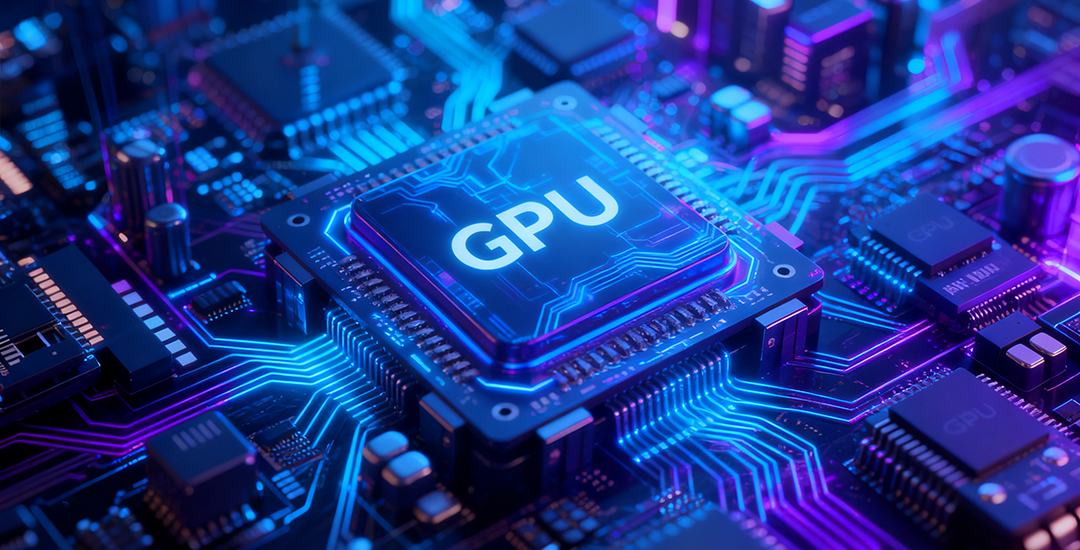
The Essence of the GPU: From Graphics Processor to General Computing Core
The GPU (Graphics Processing Unit) first appeared in the 1990s, designed primarily to handle image and visual computing tasks. Back then, CPUs dominated computing, and GPUs were created to offload heavy graphic workloads, enabling smoother rendering and better performance.
Unlike CPUs that specialize in serial processing, GPUs are built on parallel computing architecture — with hundreds or even thousands of cores working simultaneously on similar tasks. This design makes them exceptionally efficient at repetitive, large-scale mathematical operations such as matrix and vector calculations, which are common in 3D rendering, AI, and scientific simulations.
Today, the GPU has evolved from a simple graphics processor into a GPGPU (General-Purpose GPU) — a universal computing platform and the foundation of modern AI and high-performance computing (HPC).
How the GPU Works: The Power of Parallelism
The GPU’s computing advantage lies in its architecture. It consists of hundreds to thousands of stream processors (CUDA Cores or Stream Processors) that can perform simultaneous operations on large datasets.
In graphics rendering, GPUs calculate millions of pixels, lighting effects, and texture maps at once — a perfect fit for parallel workloads. Similarly, AI training and scientific simulations involve vast matrix multiplications and repetitive computations that GPUs handle far more efficiently than CPUs.
While CPUs excel at single-threaded performance, GPUs dominate in parallel tasks, completing in seconds what CPUs may take minutes or hours. This is why modern AI computing clusters almost universally rely on GPU acceleration.
Inside the GPU: More Than Just a Chip
A GPU is more than a silicon die — it’s a compact, high-performance computing system composed of multiple critical components:
1. Compute Cores (CUDA Cores / Stream Processors) – The foundation of GPU performance, responsible for executing floating-point and integer operations.
2. VRAM (Video Memory) – Temporarily stores data and render outputs; its capacity and bandwidth determine processing efficiency.
3. Graphics Pipeline Units (Rasterizers / Shaders) – Handle lighting, shadows, and textures in 3D scenes.
4. Cache and Control Modules – Manage data flow and coordinate task scheduling.
Together, these subsystems turn the GPU into a “mini supercomputer,” optimized for parallel data processing and graphical workloads.
GPU Applications: Redefining the Boundaries of Computing
With the rise of AI, cloud computing, and autonomous vehicles, GPUs have become essential in diverse industries far beyond gaming. Key application areas include:
● AI & Deep Learning – Powering neural network training and inference with massive parallel matrix operations.
● High-Performance Computing (HPC) – Supporting scientific modeling, simulations, and data analysis.
● Autonomous Driving – Processing sensor and camera data for real-time decision-making.
● Video Rendering & Digital Content Creation – Accelerating 3D rendering, video effects, and modeling.
● Blockchain & Financial Computing – Performing cryptographic and analytical computations efficiently.
The GPU is now recognized as the engine of modern computation, and its performance defines the pace of innovation across multiple industries.
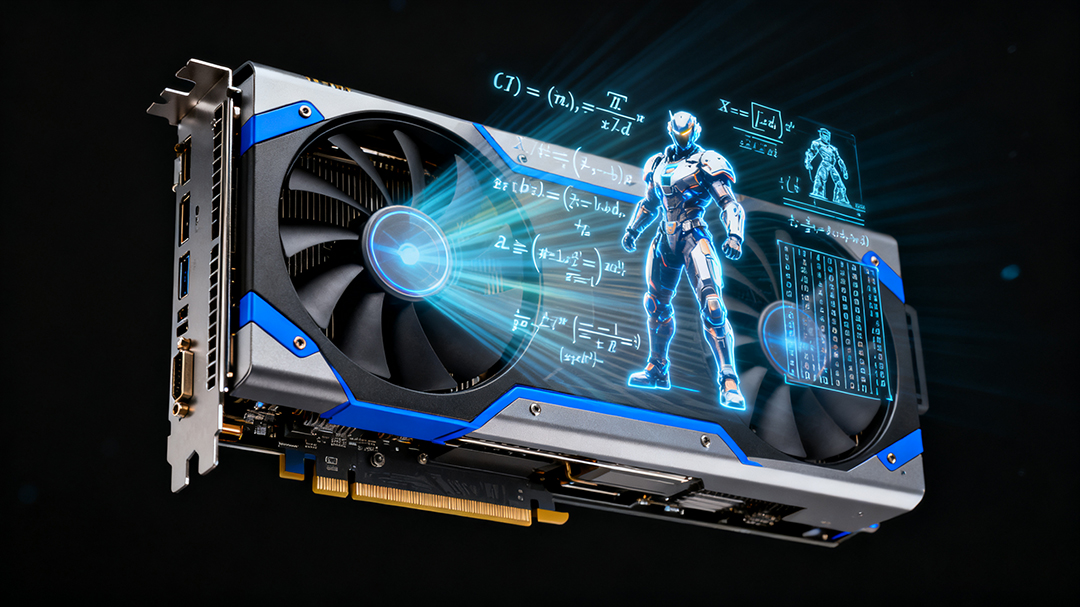
Thermal Management: The Hidden Challenge Behind GPU Power
High computing performance comes with high power consumption — and heat. In AI servers and GPU workstations, thermal management is crucial to ensure stable operation and longevity.
During heavy workloads, GPU power consumption can reach several hundred watts, with core temperatures exceeding 80°C. To maintain performance and reliability, Thermal Interface Materials (TIMs) are applied between the GPU and heatsink, such as:
● Silicone Thermal Conductive Pads – Create a flexible, thermally conductive bridge between the GPU die and the heatsink, minimizing thermal resistance.
● Thermal Grease and Gel – Ideal for high-precision assemblies, ensuring efficient heat transfer and uniform contact.
Proper material selection and heat dissipation design allow GPUs to sustain performance under extreme loads — a key factor in modern cooling solutions.
Conclusion: GPU — The Beating Heart of the Compute Era
From rendering images to powering AI supercomputers, the GPU’s evolution marks a shift in the very concept of computing. It democratized parallel processing, accelerated AI breakthroughs, and inspired innovations in energy efficiency and thermal design.
As semiconductor processes and thermal management technologies continue to advance, the GPU’s potential remains far from exhausted. In the era of intelligent computing, the GPU stands as the heart of global computation, driving every new wave of digital transformation.